
Choose what the evening is for
A new team getting to know each other needs a different evening from a company celebrating the year. Decide what matters most before adding activities: introductions, time together, a shared meal or a little friendly competition.
Then choose a format that supports it. A route between a few meeting places can open up new conversations. A dinner that moves between tables can make room for people who would otherwise sit together all night.
Plan for the people who will actually be there
Ask about dietary needs and access requirements before finalizing the spaces and food. Give people a clear way to opt out of an activity without opting out of the whole event. A quieter stop can matter as much as a lively one.
Keep movement realistic. If the group leaves the office, check travel time, venue capacity and the return journey. Share the practical details early: where to start, how long to allow and which costs the company covers.
Where Tablehopp fits
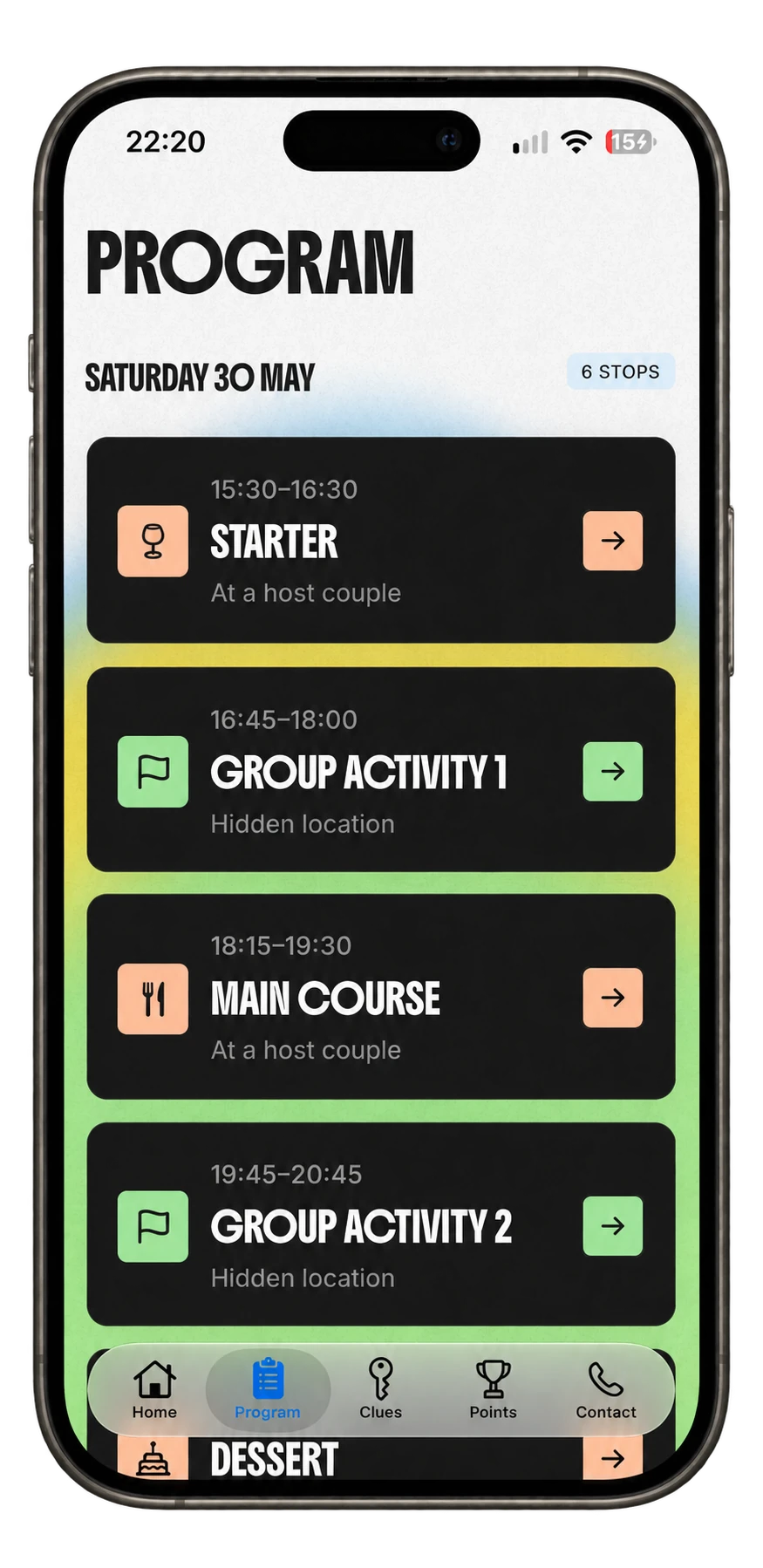
Tablehopp is built for events with guests, teams and successive stops. You can share an event link or code, work with the guest list, review the plan before it is released and keep the schedule and messages in the app. An existing guest list can be imported from Excel.
You choose the evening and make the arrangements around it. Tablehopp is not a venue-booking service, an HR system or a ticket-sales platform. This guide does not promise integrations with company calendars or employee directories.
Four decisions before the calendar invitation
Pick the occasion
Name the purpose: a team introduction, after-work evening, kickoff or Christmas celebration.
Build the route
Choose meeting places that fit the group and leave room for conversation between activities.
Make participation clear
Explain the plan, access arrangements, food and whether any activity is optional.
Review before sharing
Check the guest list, times and arrangements before releasing the event to colleagues.
Questions before you start
Can we use Tablehopp for an after-work event rather than a dinner?
The app is described for kickoffs, after-work events and other social events, as well as progressive dinners. Choose an event built around the stops and activities you arrange.
Can we start with our existing guest list?
Tablehopp supports importing a guest list from Excel. Review the list and your event plan before sharing them with guests.
Does it connect to our HR or booking systems?
This site does not promise HR, calendar, catering or venue-booking integrations. The guest list, schedule and messages are part of the Tablehopp event experience.